
איך ניתן להעביר את כל תוכן ה-Notion שלי לסביבת עבודה אחרת?
איך ניתן להעביר את כל תוכן ה-Notion שלי לסביבת עבודה אחרת?
הערה: כל תוכן שיועבר ישוכפל לסביבת העבודה החדשה, ולדפים אלו לעיתים יש בעיות. למידע נוסף, לחצו כאן.
כדי להעביר את התוכן שלך מסביבת עבודה אחת לאחרת המשויכת לאותו חשבון, לחץ על ••• ליד כל אחד מהדפים ברמה העליונה בסרגל הצד שלך (או לחץ לחיצה ימנית) ובחר Move to. בתחתית תפריט ההעברה, תראה תפריט נפתח לבחירת סביבת עבודה אחרת.
כשאתה מעביר דפים ברמה העליונה, כל דפי המשנה שלהם עוברים איתם. הם יופיעו בסעיף Private אך ניתן להעביר אותם לכל מקום שתרצה.
לחצתי על הלחצן 'הצטרפות לסביבת עבודה או יצירת סביבת עבודה', אבל רק מופיעה בפניי אפשרות ליצור סביבת עבודה. איך מצטרפים לסביבת עבודה?
לחצתי על הלחצן 'הצטרפות לסביבת עבודה או יצירת סביבת עבודה', אבל רק מופיעה בפניי אפשרות ליצור סביבת עבודה. איך מצטרפים לסביבת עבודה?
ניתן להצטרף לסביבת עבודה באמצעות הלחצן הצטרפות לסביבת עבודה או יצירת סביבת עבודה רק אם ההגדרה של דומיינים של אימיילים מותרים מופעלת בסביבת העבודה הזו, כדי לאפשר למשתמשים עם דומיין האימייל שלכם להצטרף לסביבת העבודה באופן אוטומטי.
אחרת, תצטרכו לבקש ממנהל/ת מערכת בסביבת העבודה לשלוח לכם הזמנה.
When I subscribe to a paid plan, does it cover all of my workspaces?
When I subscribe to a paid plan, does it cover all of my workspaces?
Paid plans only apply to one workspace and don't cover the whole account. Workspaces are completely separate silos, so you won't be able to link any content between them.
We recommend using the least number of workspaces possible, and taking advantage of top-level pages in your sidebar to stay organized.
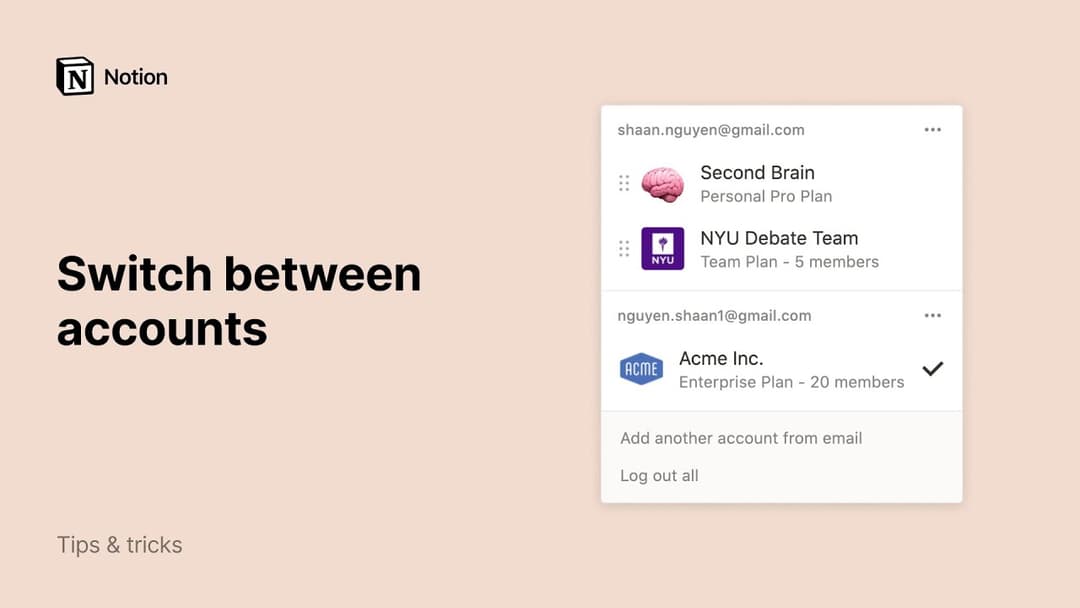
How can I switch between workspaces that are under different email addresses?
How can I switch between workspaces that are under different email addresses?
To add your workspaces from another email account, use the Add another account button in the workspace switcher at the top left of your Notion window, and follow the steps to login to your other account.
Is there a limit to the number of accounts I can be signed into?
Is there a limit to the number of accounts I can be signed into?
There is currently no limit, although you may experience slower performance if you're logged into 10+ accounts at once.
I forgot to log out of my account on a public computer, or my device was stolen.
I forgot to log out of my account on a public computer, or my device was stolen.
If you're still logged in on a device you have access to, navigate to Settings → {your name} → Log out of all devices.
If you no longer have access to your account, please send us a quick message to [email protected], or use the Notion AI face at the bottom right of the app. We can log you out remotely!