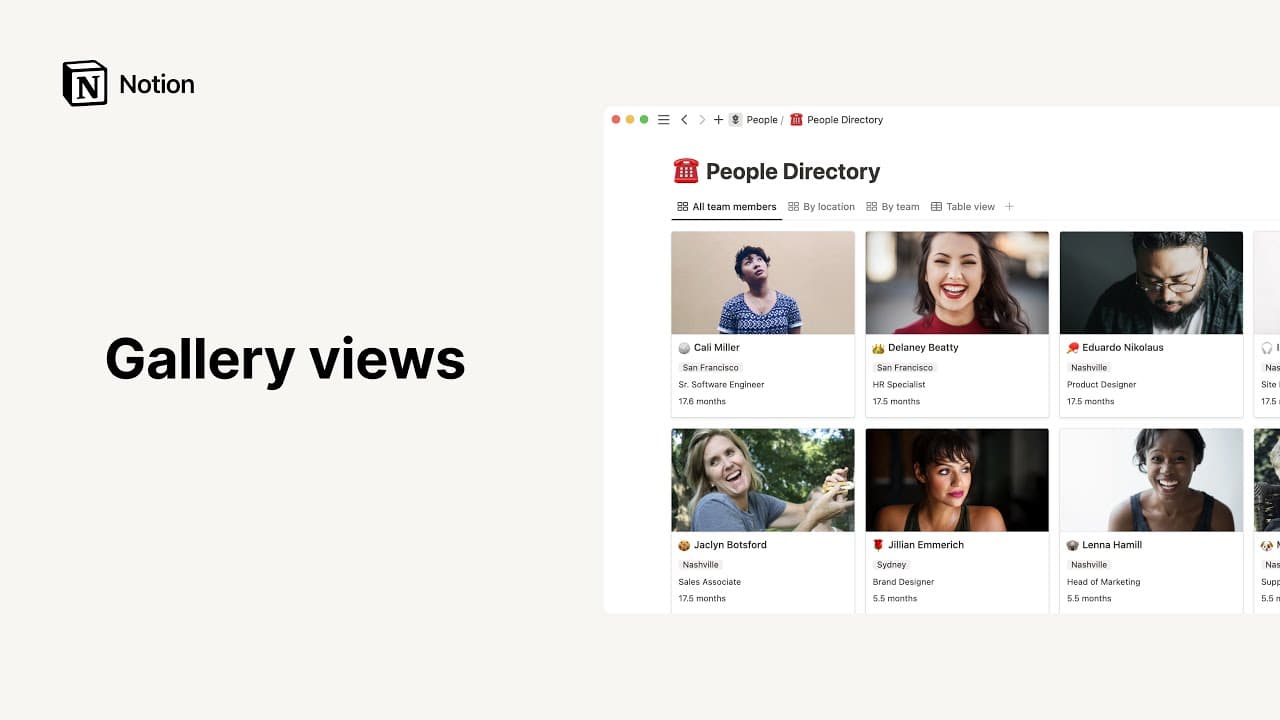
列表瀏覽模式

/列表瀏覽模式是簡單且極簡的資料庫瀏覽模式。它們非常適合儲存不需要太多屬性的筆記、文章和文件。/列表瀏覽模式中的每一項都是一個頁面,只需點擊一下即可開啟,並可儲存您所需的任何內容 📜
跳至常見問題以下是如何在 Notion 中新增清單資料庫的方法:
在你的工作空間中建立一個新頁面。
在
開始使用下方,點擊•••,然後點擊清單。
如果您想建立內嵌清單,請在任何頁面上輸入 /列表瀏覽模式 並按下 輸入。

注意: 點擊右上角的 ⤢,即可將內嵌資料庫展開為全頁。
將/列表瀏覽模式新增至資料庫
您可以將 /列表瀏覽模式 新增至現有資料庫,以該格式瀏覽其資料。更多關於瀏覽模式的資訊請見此處 →
點擊資料庫名稱或目前資料庫檢視名稱旁邊的
+。從下拉式選單中選取
/列表瀏覽模式。
編輯 /列表瀏覽模式 屬性
在 /列表瀏覽模式 中,指派給項目的所有屬性都會顯示在最右側。
若要編輯 /列表瀏覽模式 中的屬性:
開啟資料庫右上方的設定選單 →
屬性可見度。選取屬性旁的
👁️以顯示或隱藏它們。使用
⋮⋮拖曳屬性,以您希望它們在 /列表瀏覽模式 中顯示的順序排列。

常見問題
How can I turn a full-page database into an inline database, or vice versa?
How can I turn a full-page database into an inline database, or vice versa?
To change a full-page database into an inline database:
Drag the full-page database from your sidebar into another page. It will become a sub-page of that page.
Open the parent page, click the
⋮⋮button next to the database sub-page, and selectTurn into inline.
To change an inline database to a full-page database, drag an inline database block into your sidebar as a top-level page.
I don’t want my database pages to open on the side or in the center of my page. Is there anyway to open a database page in full-screen by default?
I don’t want my database pages to open on the side or in the center of my page. Is there anyway to open a database page in full-screen by default?
Yes! To do this:
Open the settings menu at the top of your database.
Select
Layout→Open pages in→Full page.